
# Expert mode

The **"Expert mode"** defines whether your "individual customisations" from the **"Expert settings"** of the theme configuration are delivered to the storefront or not.

> Tab "Others" => Block "Expert settings" => Expert mode

* If the "Expert mode" is active, the corresponding codes or files of the "Expert settings" are delivered to the storefront.
* If "Expert mode" is not active, the "Expert settings" are not delivered to the storefront.

This is useful for debugging to solve issues with your "individual customisations" in the "Expert settings".
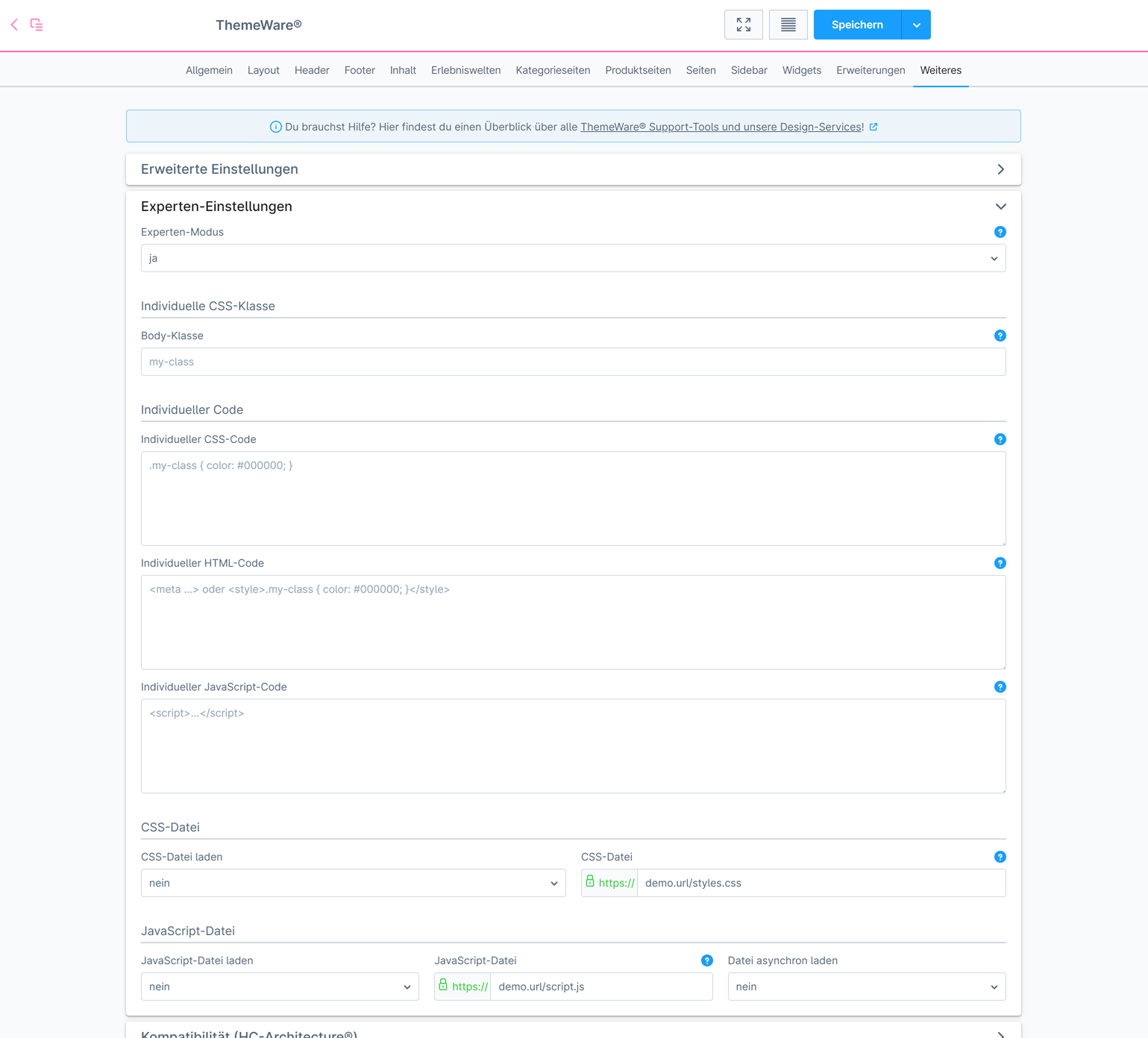
<figure><img src="https://1979975522-files.gitbook.io/~/files/v0/b/gitbook-x-prod.appspot.com/o/spaces%2F178YilsPBIFHBAxTvcMo%2Fuploads%2F5xrsS8917nqumd4xQ6Nr%2Fimage.png?alt=media&#x26;token=bdbf2be2-be01-4c09-b25d-acc90cb9bd61" alt=""><figcaption></figcaption></figure>

{% hint style="info" %}
**Note**: The "Expert mode" is about "individual customisations". As part of the plugin support, we cannot provide support here, or only to a very limited extent.
{% endhint %}

***

## Further information

{% content-ref url="expert-settings-in-the-theme-configuration" %}
[expert-settings-in-the-theme-configuration](https://knowledge.themeware.design/knowledge-base/profi-knowledge/expert-settings-in-the-theme-configuration)
{% endcontent-ref %}

{% content-ref url="debug-mode" %}
[debug-mode](https://knowledge.themeware.design/knowledge-base/profi-knowledge/debug-mode)
{% endcontent-ref %}
