
# Why is ThemeWare® available several times in the Shopware store?

In addition to ThemeWare® for Shopware 5, ThemeWare® has been available for both Shopware 6 Cloud and Shopware 6 (self-hosted) since the release of Shopware 6.

For technical reasons, different extensions (apps/plugins) are necessary for this:

## ThemeWare® ... | Customizable Responsive Theme

Our themes named after this pattern are the **Shopware 5** versions of ThemeWare®.

{% embed url="<https://store.shopware.com/en/tcinn18041426622m/themeware-modern-customizable-responsive-theme.html>" %}
ThemeWare® Modern for Shopware 5
{% endembed %}

## ThemeWare® ... Cloud | sales increasing and customizable

We have developed the **ThemeWare® Cloud Edition** for the Shopware 6 Cloud. It offers almost all functions, countless customisation options as well as our excellent user support. The Cloud Edition is suitable for beginners and start-ups.

{% embed url="<https://store.shopware.com/en/tcinn90708314468m/themeware-modern-cloud-sales-increasing-and-customizable.html>" %}
ThemeWare® Modern Cloud Edition for Shopware 6
{% endembed %}

## ThemeWare® ... Pro | sales increasing and customizable

The **ThemeWare® Pro Edition** has been developed for Shopware 6 (self-hosted). It offers the full range of features, unlimited customization options (also at template level), regular prioritized updates as well as our excellent user and developer support. The Pro Edition is suitable for beginners as well as professionals and agencies.

{% embed url="<https://store.shopware.com/en/tcinn37556880294m/themeware-modern-pro-sales-increasing-and-customizable.html>" %}
ThemeWare® Modern Pro Edition for Shopware 6
{% endembed %}

## Demoshops

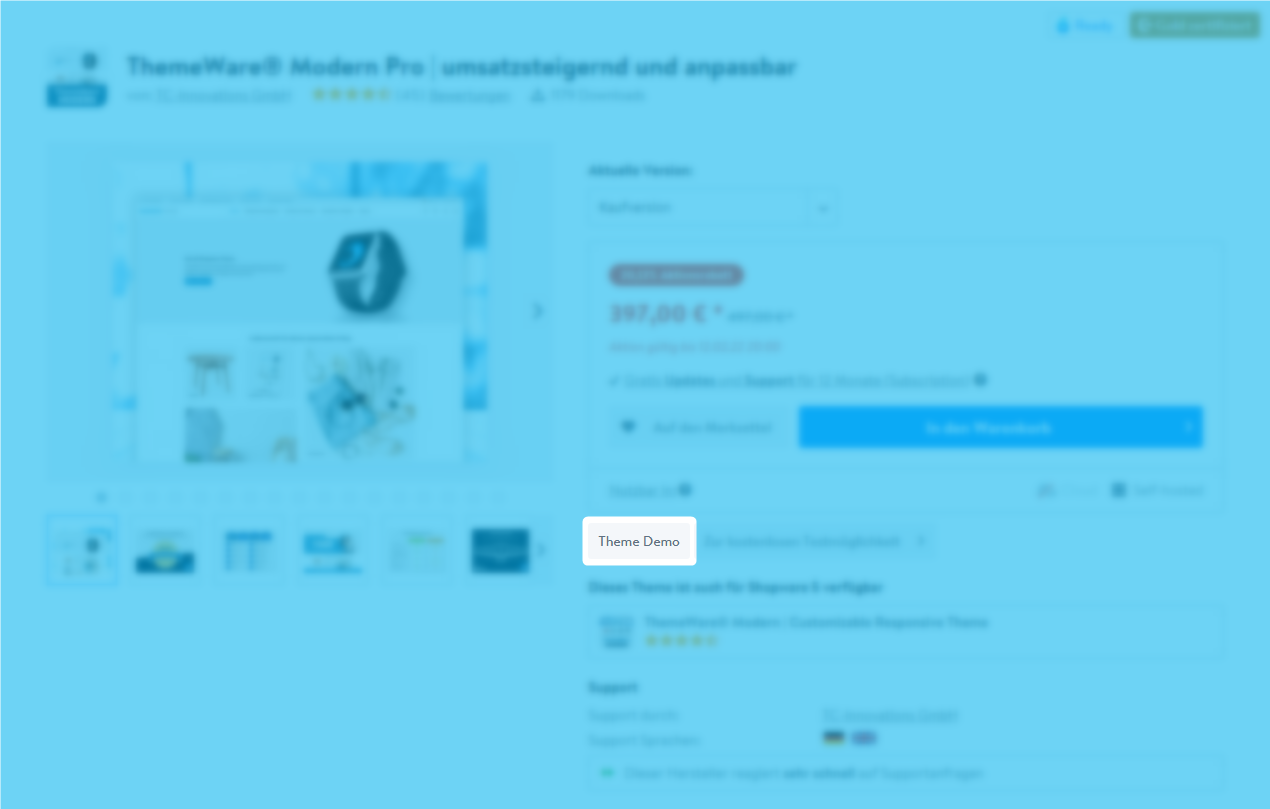
Of course there are separate demoshops for our Shopware 5 and Shopware 6 themes. The corresponding demoshops are linked via the product pages of all ThemeWare® themes:
![Theme demo in the Shopware Store](/files/DedvIUJGjxG2YVc1yYpR)

### Shopware 6 demoshops

Our Shopware 6 demo shops are located at "demo.themeware.design/**themename**/en".

{% embed url="<https://demo.themeware.design/modern/en>" %}
ThemeWare® Modern demoshop for Shopware 6
{% endembed %}

### Shopware 5 demoshops

The Shopware 5 demoshops are located at "**themename**.tc-demoshop.de/en".

{% embed url="<https://modern.tc-demoshop.de/en>" %}
ThemeWare® Modern demoshop for Shopware 5
{% endembed %}

#### Further information

{% hint style="info" %}
**Note**: You can find more information about our Shopware 6 editions in the article "[ThemeWare® Editions compared](https://service.themeware.design/en/articles/themeware-editions-compared)".
{% endhint %}


---

# Agent Instructions: Querying This Documentation

If you need additional information that is not directly available in this page, you can query the documentation dynamically by asking a question.

Perform an HTTP GET request on the current page URL with the `ask` query parameter:

```
GET https://knowledge.themeware.design/knowledge-base/frequent-questions/why-is-themeware-available-several-times-in-the-shopware-store.md?ask=<question>
```

The question should be specific, self-contained, and written in natural language.
The response will contain a direct answer to the question and relevant excerpts and sources from the documentation.

Use this mechanism when the answer is not explicitly present in the current page, you need clarification or additional context, or you want to retrieve related documentation sections.
